In the column, “Product picture”, you have the possibility to attach a picture file. This illustration can be a sketch or a photo of the product.
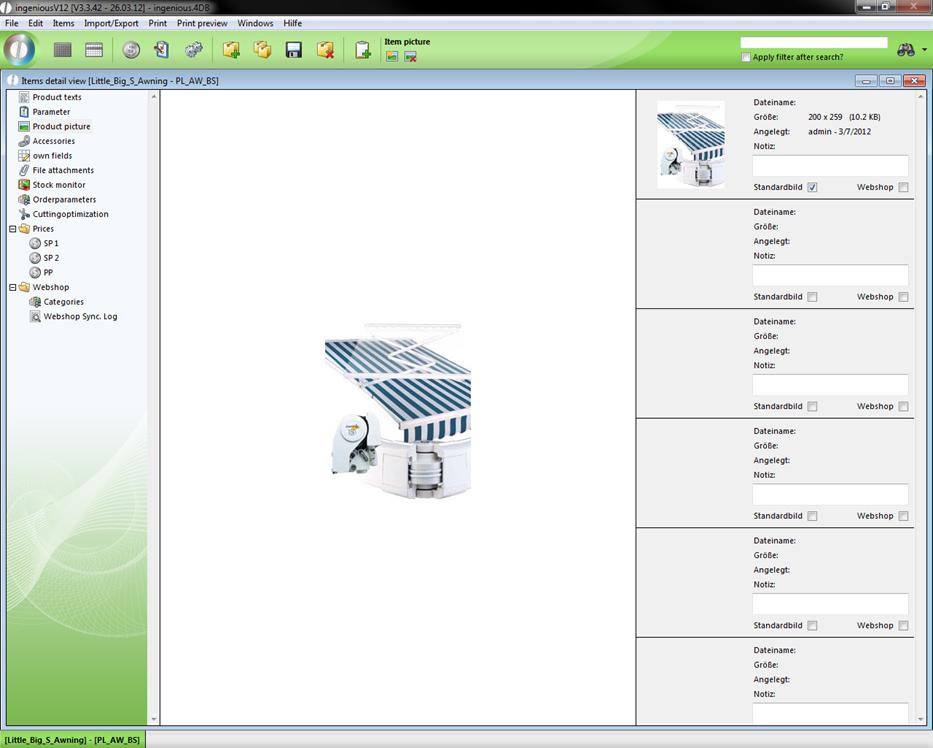
When you click on the button, a Windows standard dialogue appears to open files. If a message appears after confirming the selection with the “OK” button, then you selected a non-usable file (no graphic file).
The following file formats are possible:
- JPEG (.jpg)
- GIF (.gif)
- BMP (.bmp)
- PICT (.pct)
In order to delete a product picture again, it is sufficient to click on the  button.